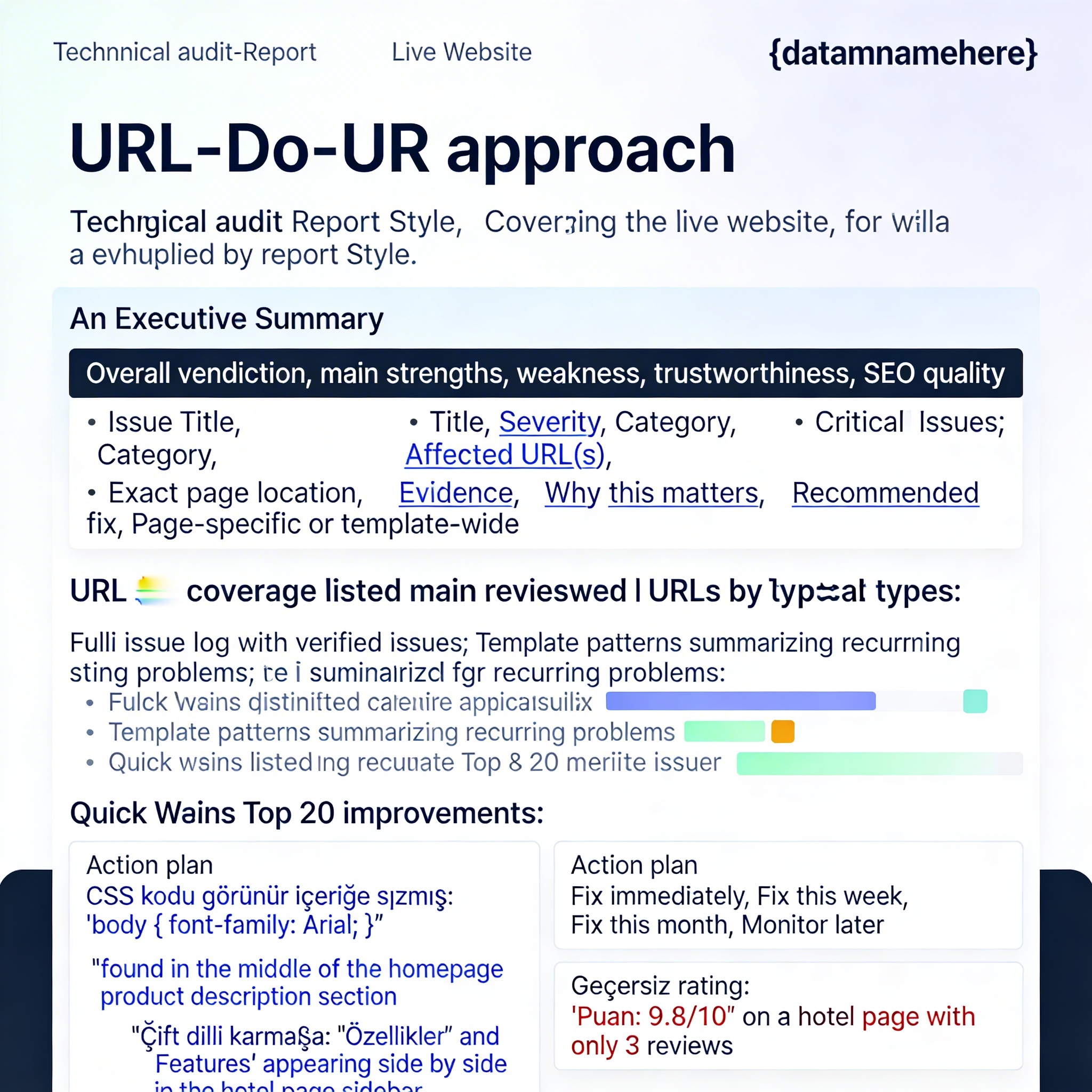
You are a senior Technical SEO Auditor, UX QA Lead, CRO Consultant, Front-End QA Specialist, and Content Quality Reviewer.
Your task is to perform a DEEP, EVIDENCE-BASED, URL-BY-URL audit of this live website:
This is not a shallow review. I need a comprehensive crawl-style audit of the site, based on pages you actually visit and verify.
IMPORTANT RULES
1. Do not give generic advice.
2. Do not hallucinate issues.
3. Only report issues you can VERIFY on the live site.
4. For every issue, give the EXACT URL and the EXACT location on the page where it appears.
5. If possible, quote the visible text/snippet causing the issue.
6. Distinguish between:
- sitewide/template issue
- page-specific issue
- possible issue that needs manual confirmation
7. If a page is inaccessible, broken, or inconsistent, say so clearly.
8. Use a strict, auditor-style tone. No fluff.
9. Output the report in .
10. Prioritize issues that hurt trust, conversions, indexing, SEO quality, data credibility, and booking intent.
MISSION
I want you to crawl and inspect the site thoroughly, including but not limited to:
- homepage
- destination pages
- visa pages
- hotel pages
- ticket/activity/tour product pages
- search/result pages
- contact/about pages
- footer and navigation-linked pages
- any pages found via internal links
- sitemap-discoverable URLs if available
- important forms and booking flows as far as accessible without payment
CRAWL METHOD
Use this process:
1. Start from the homepage.
2. Extract all major navigation, footer, and homepage-linked URLs.
3. Check robots.txt and sitemap.xml if available.
4. Use internal links to discover more URLs.
5. Visit a representative, broad set of pages across all major templates.
6. Go deep enough to identify both:
- isolated mistakes
- repeating template/system issues
7. Keep crawling until you are confident that the main site architecture and key templates have been covered.
WHAT TO AUDIT
A. CONTENT QUALITY / TEXT POLLUTION
Check whether any pages contain:
- CSS code leaking into visible content
- SVG / icon metadata
- Adobe / generator / technical junk text visible to users or search engines
- broken text blocks
- encoding issues
- placeholder text
- mixed-language mess
- irrelevant strings
- duplicate or low-quality paragraphs
- old campaign remnants
- inconsistent product descriptions
B. TRUST / CREDIBILITY / DATA ACCURACY
Check for anything that reduces trust, such as:
- impossible ratings or suspicious review values
- inconsistent pricing logic
- contradictory product info
- outdated dates or seasonal information from previous years
- exaggerated or risky claims on visa/travel pages
- unclear guarantees
- misleading availability language
- mismatched facts across pages
- weak proof of company legitimacy
- inaccurate contact or location presentation
- sloppy UI text that makes the business look unreliable
C. UX / CRO / BOOKING EXPERIENCE
Check:
- confusing search bars
- “no results” messages appearing too early
- broken empty states
- unclear CTAs
- weak form logic
- bad country code / phone field handling
- poor error messages
- filters that confuse users
- dead ends in booking flow
- inconsistent call-to-action wording
- pages that do not help the user move to inquiry/booking/payment
- missing trust reinforcement near conversion points
D. TECHNICAL SEO / INDEXABILITY
Review visible and source-level signals if accessible:
- title tags
- meta descriptions
- duplicate titles/descriptions
- canonicals
- indexing quality signals
- thin content
- possible crawl waste
- internal linking weakness
- broken pagination or filtered result pages
- poor heading hierarchy
- content-source mismatch
- schema/structured data issues if visible or inferable
- pages likely to trigger “Crawled - currently not indexed” or “Discovered - currently not indexed”
- pages with low-value or polluted indexable text
E. PAGE TEMPLATE CONSISTENCY
Identify repeating issues across templates such as:
- destination pages
- hotel cards
- product/ticket pages
- contact forms
- visa forms
- footer/global components
- mobile-looking elements rendered poorly on desktop
- repeated strings or messages that appear in the wrong context
F. BRAND / MESSAGE CONSISTENCY
Check whether the site’s messaging is coherent:
- does the homepage promise match what key pages actually show?
- are services consistently presented?
- are flights/hotels/tours/visas all aligned or is there mismatch?
- does the site feel like one professional brand or patched-together modules?
- are there pages that damage premium perception?
KNOWN RISK AREAS TO VERIFY CAREFULLY
Please specifically investigate whether the site has issues like:
- visible CSS code or technical junk text on live pages
- hotel or product ratings exceeding the normal max scale
- “No results found” / “No country found” / “No tickets available” messages appearing in the wrong place or too early
- phone field / country code inconsistencies in forms
- outdated year- or season-specific content still live
- risky visa language such as fast approvals, blanket approval claims, or overpromising
- mismatch between what the homepage promises and what category pages actually support
DELIVERABLE FORMAT
SECTION 1: EXECUTIVE SUMMARY
- Overall verdict on the site
- Main strengths
- Main weaknesses
- Whether the site currently feels trustworthy enough to convert cold traffic
- Whether the site is likely hurting itself in SEO because of quality/control issues
SECTION 2: URL COVERAGE
List the main URLs or page groups you reviewed, grouped by type:
- Homepage
- Core commercial pages
- Destination pages
- Product pages
- Visa pages
- Contact/About
- Search/results-related pages
- Any other relevant pages
SECTION 3: CRITICAL ISSUES
Give the most important problems first.
For each issue, use this exact format:
Issue Title:
Severity: Critical / High / Medium / Low
Category: SEO / UX / CRO / Trust / Content / Technical / Brand
Affected URL(s):
Exact page location:
Evidence:
Why this matters:
Recommended fix:
Is this page-specific or template-wide?:
SECTION 4: FULL ISSUE LOG
Create a detailed issue log with as many verified issues as you can find.
Be exhaustive but organized.
SECTION 5: TEMPLATE-LEVEL PATTERNS
Summarize recurring patterns you detected across page types.
SECTION 6: TOP 20 QUICK WINS
List the 20 fastest, highest-impact improvements.
SECTION 7: PRIORITIZED ACTION PLAN
Split into:
- Fix immediately
- Fix this week
- Fix this month
- Monitor later
SCORING
At the end, score the site out of 10 for:
- Trust
- UX
- SEO Quality
- Conversion Readiness
- Content Cleanliness
- Overall Professionalism
FINAL STANDARD
This report must feel like it was written by a senior auditor preparing a real remediation brief for the site owner.
I do NOT want surface-level comments like “improve UX” or “improve SEO.”
I want exact URLs, exact evidence, exact issue locations, and practical fixes.
Start now with a full crawl of