
Create storyboard grids.
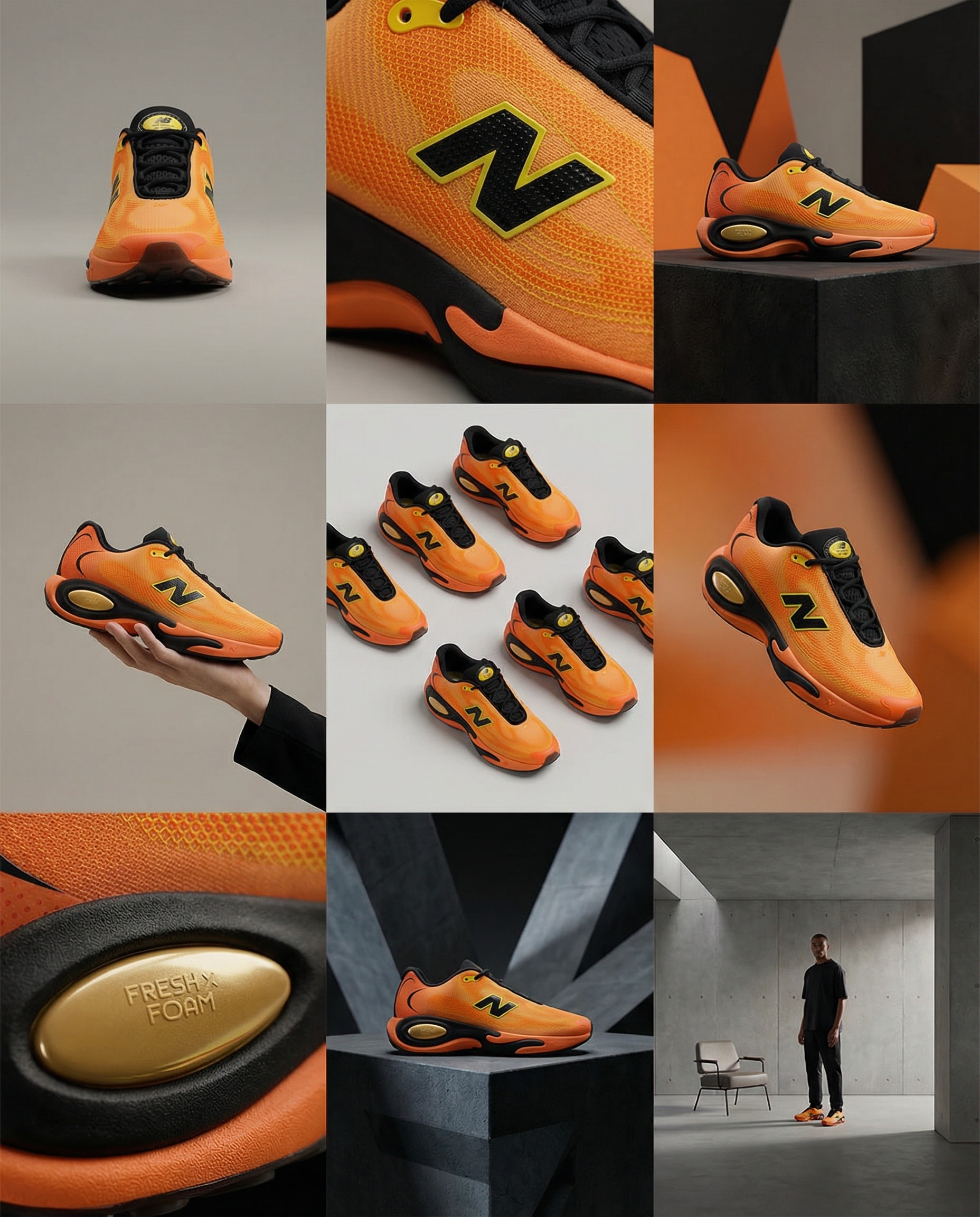
A clean 3×3 [ratio] storyboard grid with nine equal [ratio] sized panels on [4:5] ratio.

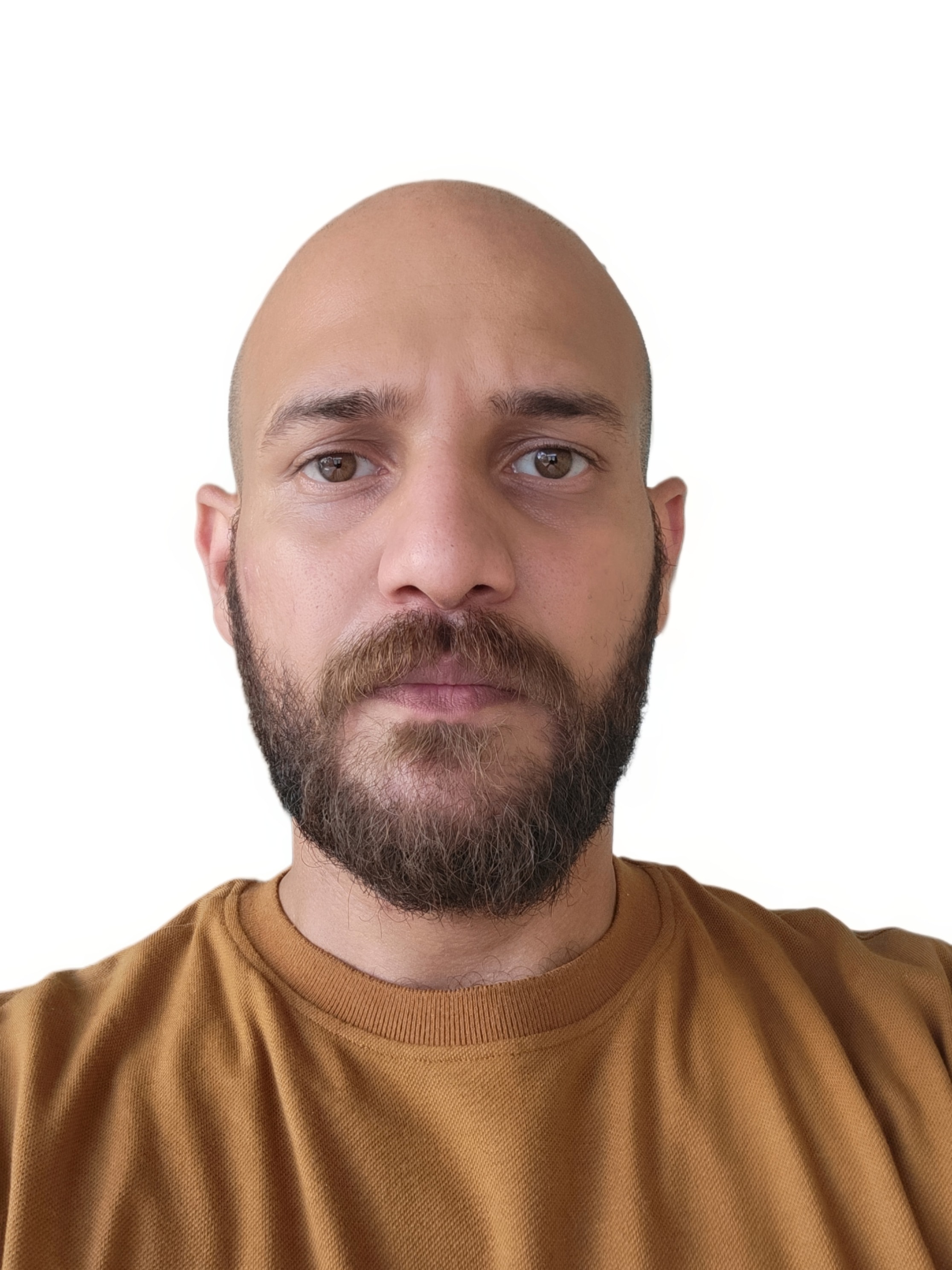
Use the reference image as the base product reference. Keep the same product, packaging design, branding, materials, colors, proportions and overall identity across all nine panels exactly as the reference. The product must remain clearly recognizable in every frame. The label, logo and proportions must stay exactly the same.

This storyboard is a high-end designer mockup presentation for a branding portfolio. The focus is on form, composition, materiality and visual rhythm rather than realism or lifestyle narrative. The overall look should feel curated, editorial and design-driven.

FRAME 1:
Front-facing hero shot of the product in a clean studio setup. Neutral background, balanced composition, calm and confident presentation of the product.

FRAME 2:
Close-up shot with the focus centered on the middle of the product. Focusing on surface texture, materials and print details.

FRAME 3:
Shows the reference product placed in an environment that naturally fits the brand and product category. Studio setting inspired by the product design elements and colours.

FRAME 4:
Product shown in use or interaction on a neutral studio background. Hands and interaction elements are minimal and restrained, the look matches the style of the package.

FRAME 5:
Isometric composition showing multiple products arranged in a precise geometric order from the top isometric angle. All products are placed at the same isometric top angle, evenly spaced, clean, structured and graphic.

FRAME 6:
Product levitating slightly tilted on a neutral background that matches the reference image color palette. Floating position is angled and intentional, the product is floating naturally in space.

FRAME 7:
is an extreme close-up focusing on a specific detail of the label, edge, texture or material behavior.

FRAME 8:
The product in an unexpected yet aesthetically strong setting that feels bold, editorial and visually striking.
Unexpected but highly stylized setting. Studio-based, and designer-driven. Bold composition that elevates the brand.

FRAME 9:
Wide composition showing the product in use, placed within a refined designer setup. Clean props, controlled styling, cohesive with the rest of the series.

CAMERA & STYLE:
Ultra high-quality studio imagery with a real camera look. Different camera angles and framings across frames. Controlled depth of field, precise lighting, accurate materials and reflections. Lighting logic, color palette, mood and visual language must remain consistent across all nine panels as one cohesive series.

OUTPUT:
A clean 3×3 grid with no borders, no text, no captions and no watermarks.
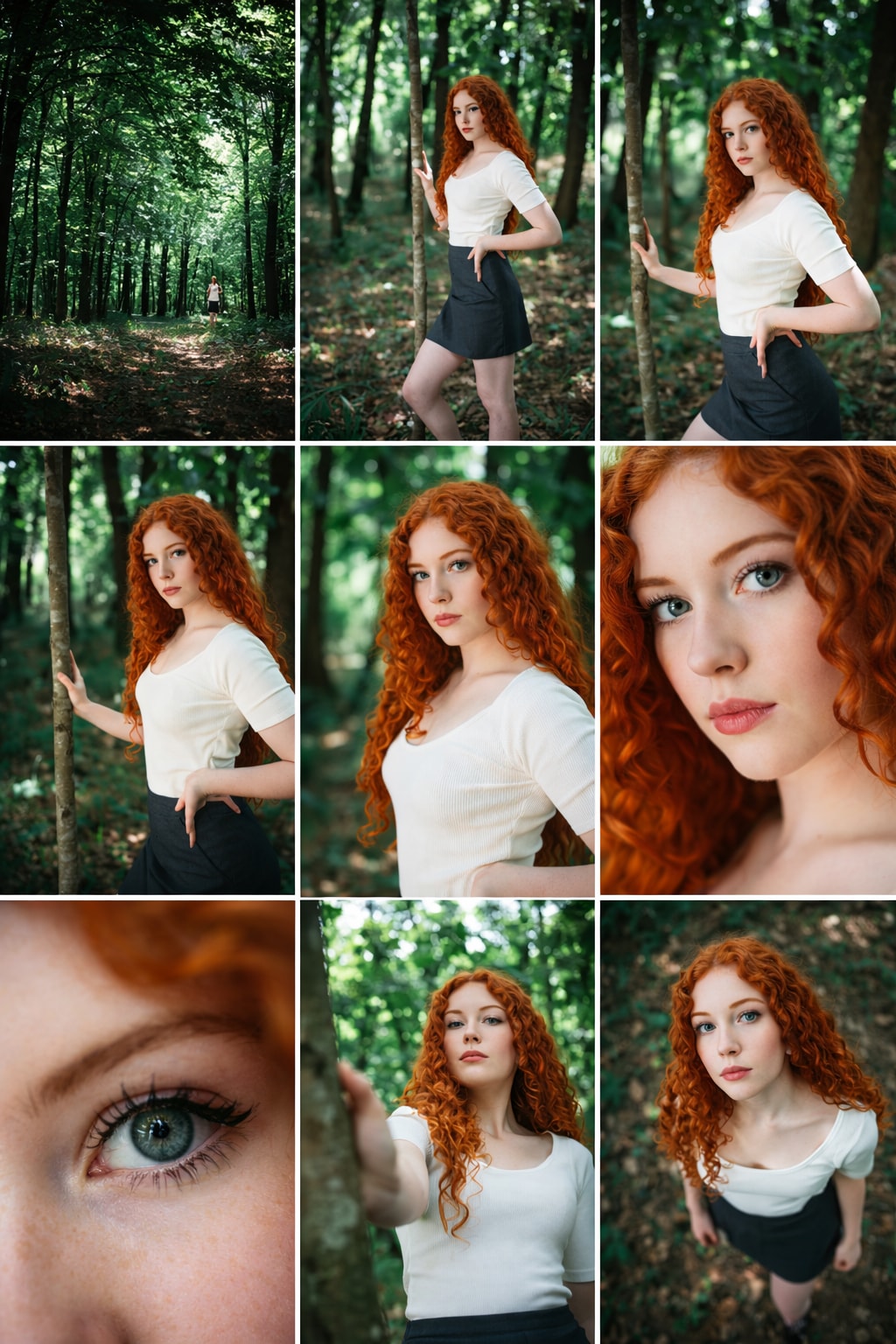
Useful for taking a single input image and transforming it to 9 different focal length shots that you can then upscale to use for start + end frame video generations. Your input image should have your desired subject/s in the scene you want them in.
<instruction>
Analyze the entire composition of the input image. Identify ALL key subjects present (whether it's a single person, a group/couple, a vehicle, or a specific object) and their spatial relationship/interaction.
Generate a cohesive 3x3 grid "Cinematic Contact Sheet" featuring 9 distinct camera shots of exactly these subjects in the same environment.
You must adapt the standard cinematic shot types to fit the content (e.g., if a group, keep the group together; if an object, frame the whole object):

**Row 1 (Establishing Context):**
1. **Extreme Long Shot (ELS):** The subject(s) are seen small within the vast environment.
2. **Long Shot (LS):** The complete subject(s) or group is visible from top to bottom (head to toe / wheels to roof).
3. **Medium Long Shot (American/3-4):** Framed from knees up (for people) or a 3/4 view (for objects).

**Row 2 (The Core Coverage):**
4. **Medium Shot (MS):** Framed from the waist up (or the central core of the object). Focus on interaction/action.
5. **Medium Close-Up (MCU):** Framed from chest up. Intimate framing of the main subject(s).
6. **Close-Up (CU):** Tight framing on the face(s) or the "front" of the object.

**Row 3 (Details & Angles):**
7. **Extreme Close-Up (ECU):** Macro detail focusing intensely on a key feature (eyes, hands, logo, texture).
8. **Low Angle Shot (Worm's Eye):** Looking up at the subject(s) from the ground (imposing/heroic).
9. **High Angle Shot (Bird's Eye):** Looking down on the subject(s) from above.

Ensure strict consistency: The same people/objects, same clothes, and same lighting across all 9 panels. The depth of field should shift realistically (bokeh in close-ups).
</instruction>

A professional 3x3 cinematic storyboard grid containing 9 panels.
The grid showcases the specific subjects/scene from the input image in a comprehensive range of focal lengths.
**Top Row:** Wide environmental shot, Full view, 3/4 cut.
**Middle Row:** Waist-up view, Chest-up view, Face/Front close-up.
**Bottom Row:** Macro detail, Low Angle, High Angle.
All frames feature photorealistic textures, consistent cinematic color grading, and correct framing for the specific number of subjects or objects analyzed.
Create a 3x3 storyboard grid from an uploaded photo, maintaining the central character's position for visual continuity.
Act as a storyboard artist. You are skilled in visual storytelling and composition. Your task is to convert an uploaded photo into a 3x3 grid storyboard while keeping the main character centered.

You will:
- Analyze the uploaded photo
- Divide the photo into 9 equal parts
- Ensure the main character remains consistent across the grid
- Adjust each section for visual balance and continuity

Rules:
- Maintain the original resolution and quality
- Ensure each grid section transitions smoothly
- No overlapping or distortion of the main character

Variables:
- Photo: photo
- Main Character: mainCharacter
You've reached the end