A reference-based edit prompt that rescues photoreal character sheets whose faces come out blotchy, blurry or over-contrasted: it keeps the person, pose, outfit and layout exactly the same and only transfers fine skin micro-texture and natural hair strands from two texture reference images, then balances contrast to a natural photographic level with no beautifying or plastic look.
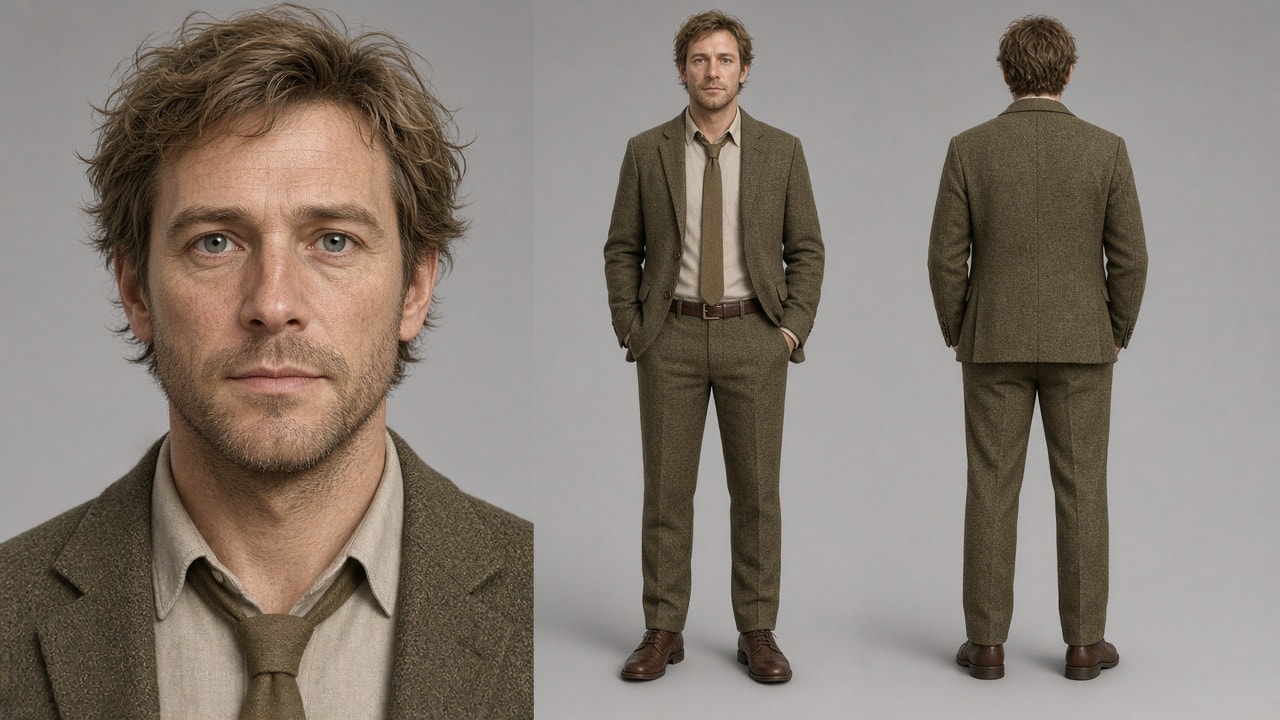
Inputs:
- Image 1: your character sheet (the image to fix)
- Image 2: a close-up skin texture reference
- Image 3: a hair texture reference (light or dark, matching your character)

Keep <<<image_1>>> exactly as it is: same person, same face shape and features, same expression, same hairstyle and hair shape, same hair color, same skin tone, same makeup, same wrinkles, freckles, moles, scars and facial hair, same clothing and accessories, same pose, composition, layout, background and framing.

Change only the surface texture:
- Skin: apply the micro-texture from <<<image_2>>> — fine natural skin lines, pores and soft realistic surface. Do not copy its color or its glossy shine.
- Hair: apply the strand structure from <<<image_3>>> — fine individual strands, soft natural flyaways. Do not copy its color.

Balance the contrast to a natural photographic level: if image 1 looks too harsh or blotchy, soften it; if it looks flat or washed out, add depth. Aim for a well-balanced realistic photo — rich but not crushed shadows, clean highlights, smooth even tonal transitions, natural shading with real volume. No retouching, no beautifying, no plastic look.